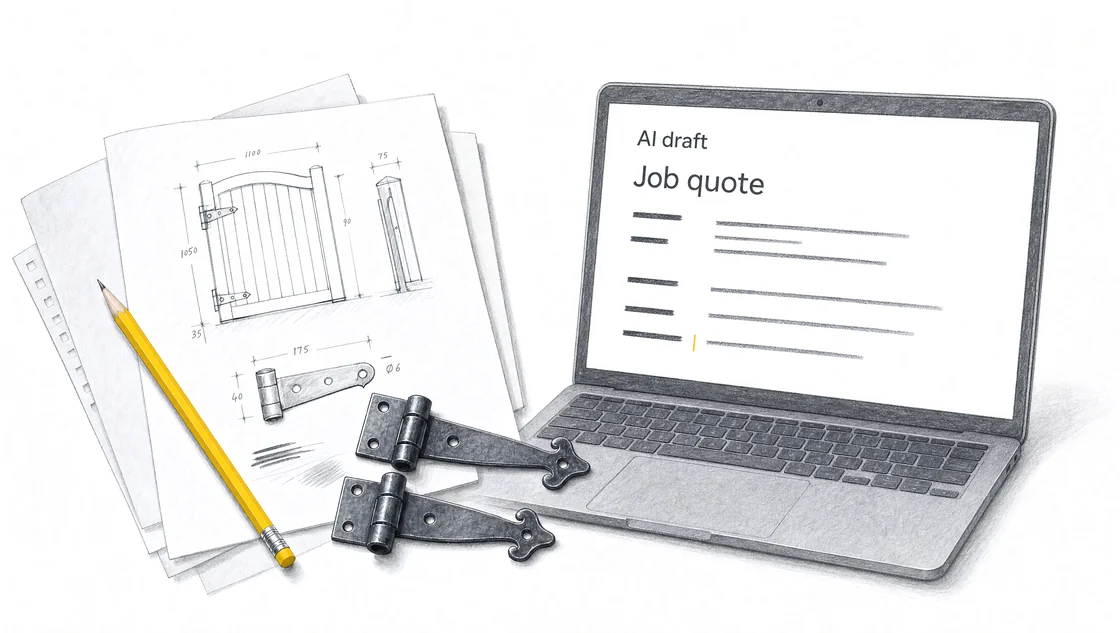
Follow a fictional gate-repair job from site notes to an itemised draft quote. See the source, instructions, calculations and questions to check before sending.
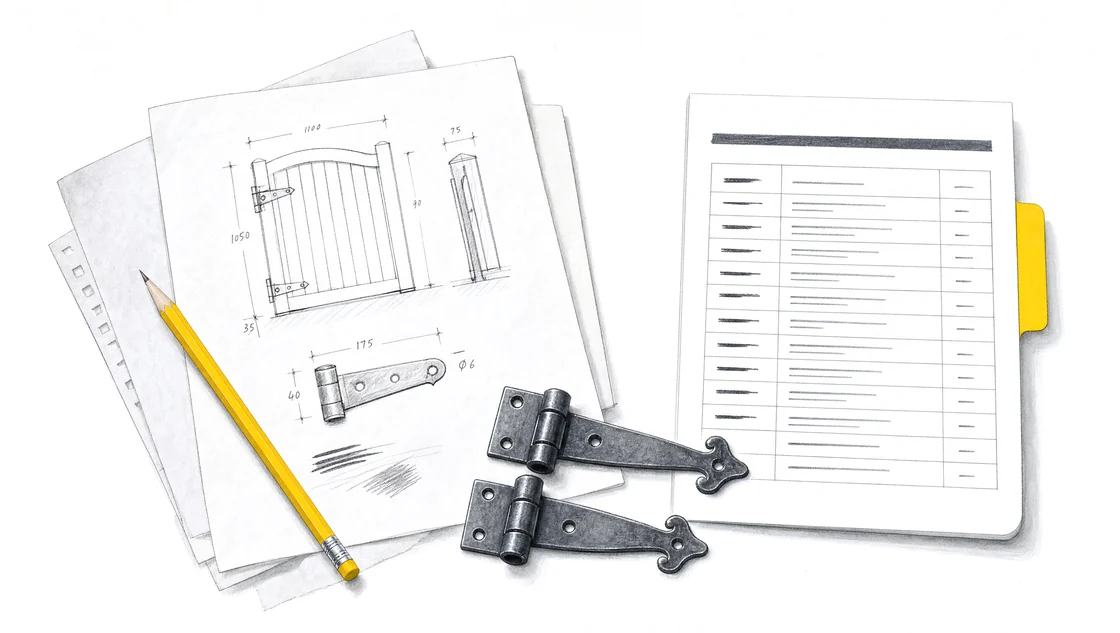
Start with the supplied facts.
The notes and rates below are fictional training material. They give the assistant a defined job and a price for each item.
Site notes
Replace two damaged gate hinges using the existing fixing points. Allow 1.5 hours of labour and one call-out. Confirm hinge size and type before ordering.
Price list
Replacement hinges: A$30 each. Labour: A$100 per hour. Call-out: A$40. These rates exclude GST; add 10% GST to the subtotal.
Excluded work
No gate replacement, post replacement or painting. No extra work without a separate decision.
Give the assistant a complete instruction.
We’re preparing a customer quote for the gate repair described in these notes. Use only the supplied scope, quantities and price list. Show each item, its calculation and amount. Add the supplied 10% GST after the subtotal. Keep excluded work out of the price. Flag the hinge details that need confirmation. Return a scope summary, itemised table, total including GST and questions for me to check.
Compare the draft with the original notes.
The example draft below organises the supplied facts. It still needs review before it becomes a customer quote.
Scope: replace two damaged gate hinges using the existing fixing points. Allow 1.5 hours of labour and one call-out. Gate replacement, post replacement and painting are excluded.
Fictional example, amounts in Australian dollars.
Item
Calculation
Amount
Replacement hinges
2 × A$30.00
A$60.00
Labour (hours)
1.5 × A$100.00
A$150.00
Call-out
1 × A$40.00
A$40.00
Subtotal
A$250.00
GST at 10%
A$25.00
Total including GST
A$275.00
Confirm before sending: check the hinge size and type against the quoted item. Review the labour allowance for the job.
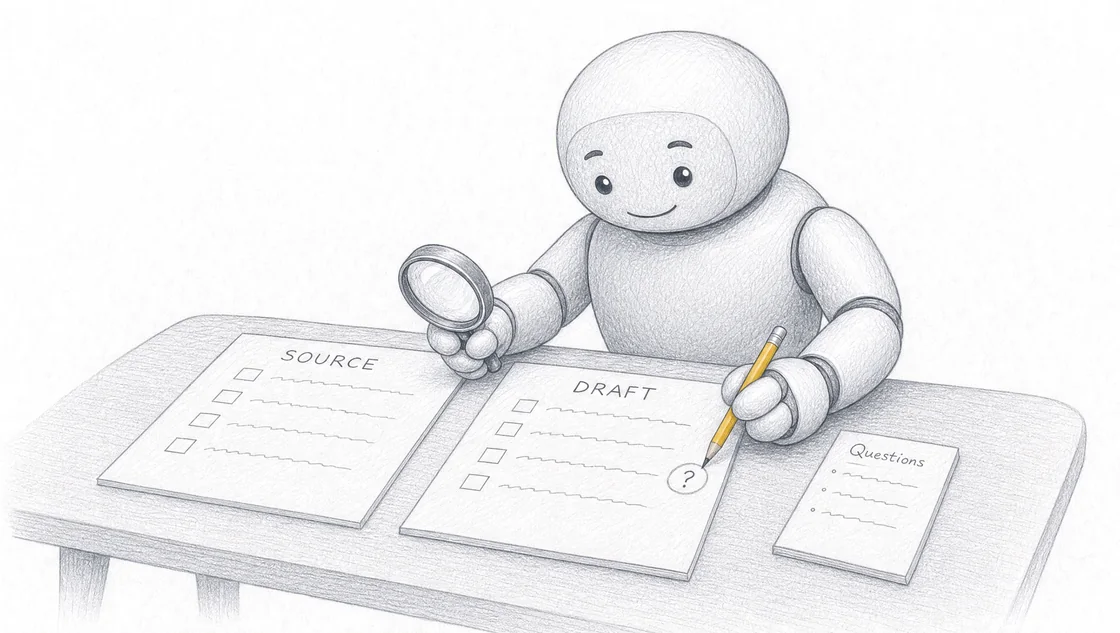
Check the scope, figures and open questions.
The scope matches the notes.
The draft includes two replacement hinges. It has not added a new gate, new posts or painting.
The numbers reconcile.
A$60 for hinges, A$150 for labour and A$40 for the call-out total A$250. GST is A$25, giving A$275 including GST.
Missing details stay visible.
The hinge size and type are still questions to resolve. If the confirmed parts or labour differ, update the source and calculate the quote again.
Keep the instructions for the next job.
Save the prompt with your quote format. For the next customer, replace the site notes and price list. Run the prompt again and check the new draft against those sources.
How do you build an AI quoting workflow from site notes?
The quotes keep coming back to your desk. You measured the job, wrote the notes in the van, and now you have to turn them into something a customer can read and accept. You build an AI quoting workflow from site notes by writing five inputs (context, task, source, rules and output), supplying only your own notes, measurements and price list, then checking the draft against that source before it reaches the customer. We help you build and test a workflow you can use again, and you check the output against the information your business supplied.
Key takeaways
The workflow gives you an editable draft quote built from work you already recorded, not a finished quote to send as is. 1
Five inputs carry the whole workflow: Context, Task, Source, Rules and Output.
Test the instructions on a safe example and check every figure back against your source material.
Field Ascend reports that its draft stays in the quote record, so the office can edit labour, materials, wording and price first. 2
Our public Sunshine Coast workshop runs a full day at A$495 excluding GST per person, on Wednesday 7 October 2026.
What does an AI quoting workflow from site notes produce?
It produces an editable draft quote. AI quoting software drafts a first-pass quote from work your team already recorded, including completed work orders, site notes, uploaded specs, equipment, materials and past quotes. 3 It turns existing job and customer data into an editable quote draft, so contractors are not starting every estimate from a blank page. 41
The same idea works with a general AI assistant and your own instructions. We teach business owners and teams how to use AI on the work their business repeats, and quoting from site notes is one of the most repeated jobs in a service business.
Which five inputs turn site notes into a draft quote?
The five inputs are Context, Task, Source, Rules and Output. Context describes the business, customer and situation. Task names the job the AI assistant needs to do. Source supplies the notes, documents or approved facts for that job. Rules set the limits and identify missing information to flag. Output describes the format and information the finished draft needs to contain.
Input
What you write for a site-notes quote
Context
The business, the customer and the situation
Task
The job the assistant needs to do
Source
The notes, measurements and price list it may use
Rules
Keep supplied prices unchanged and flag missing information
Output
The format and information the draft must contain
Write the five inputs before you paste your source material. They describe the job, and they give you the basis for checking what comes back. We build training around your business tasks, source material and the output you need.
What does a site-notes quote prompt look like in practice?
It looks like five short paragraphs of plain instruction. A quoting version reads: we're a service business preparing a quote for a homeowner; turn the supplied site notes into a draft quote; use only these notes, measurements and the attached price list; itemise labour and materials, keep the supplied prices unchanged and flag missing information; return a scope summary, an itemised table, a total including GST and questions for me to check.
Your business task determines the training example. Pick one specific piece of work: a quote from a single site visit, a reply to one customer question or a weekly update for one property. Bring the information that job needs and nothing else.
How do you check the draft quote against your site notes?
You check it line by line against the source you supplied. Compare names, dates, figures and claims with your notes. Recalculate the totals. Check that the draft covers the scope you asked for and stays inside it. The person responsible for the work approves the final version.
When the draft states something your notes never said, point to the unsupported claim. Supply the missing fact, or tell the assistant to leave it as a question for you, then check the next draft for the same problem. We help your team agree on the source material, the instructions and the review process for a repeated task. In our sessions, participants test the workflow on a safe example and check the result against their source material.
How do quoting tools built into job software draft from your records?
They assemble the context from the job record before asking the AI for structured output. 5 In Field Ascend, the AI Quote Builder is a beta setting under Setup → Quote Options → AI Quoter. 6 Once the office switches it on, a user can start a draft from a completed work order, a prompt, or files in the reference library. 78
The builder reads customer and site details, equipment, section notes, completed work, past quotes and materials. 9 That includes customer and site records with address and ZIP context, equipment make, model, serial and current status, completed work order notes and job section notes, and the source quote scope when a job was created from a previous quote. 10111213 It also uses the labour rates shown from Account Settings, then opens an editable draft. 14
Field Ascend does this inside the same customer and job record, so the estimate is not a side document in a spreadsheet. 15 The quoting sits inside its field service management software, so draft estimates use the same customers, sites, work orders and pricing rules as the rest of the job lifecycle. 16
Who sets the final price and where does the quote go next?
The office sets the price. The draft stays in the quote record so the office can edit labour, materials, wording and price before the customer sees it. 2 On the AI Quoter tab you set industry or sector, default parts markup, writing style and optional pricing guidance, and labour rates show as a read-only summary from Account Settings. 1718
The result is a normal Field Ascend quote with title, notes, labour, materials, status and category. 19 The draft stays linked to the work order it came from, and if you have it set, the job number can become the quote reference. 2021 Completed work and recommended follow-up work are kept apart, so you do not quote the visit you already finished. 22 From the draft, the quote moves through review, branded PDF, acceptance, then a work order if the customer says yes. 23 From there it connects to quoting software, work order management, lifecycle tracking, invoicing, equipment tracking, ticketing, AI dashboards and pricing. 24
The tool is built for field service follow-up work, remedials and planned maintenance. 25 It is not a manufacturing configurator or a distributor piece-price engine. 26
What AI workflows have we built for other businesses?
We helped automate Radiant Roof Repairs' internal processes using AI. We used AI to automate SEO, enquiries and admin for Glen House Homoeopathy. In our own business, Searchmaxxed, we built AI workflows for creating blog posts, doing SEO and preparing custom proposals.
How do you build and test your quoting workflow with hands-on help?
You bring the task and the notes, and you build the workflow in the room. We bring private AI training to your workplace, and you can also travel to the Sunshine Coast for our public workshop. The public workshop gives you a full day putting AI to work across your business. You build on your own laptop with hands-on help, and you keep the instructions and the example you tested during the session.
Detail
Public Sunshine Coast workshop
Duration
A full day, then open one-to-one time
Delivery
In person on the Sunshine Coast
Ticket price
A$495 excluding GST per person
Group size
Maximum 15 paid attendees
Focus
Using AI across your business
Bring
Laptop, charger and safe examples of your work
Included
Hands-on help, the setups you build and the instructions you keep
Date
Wednesday 7 October 2026, 9am to 4pm
Exact venue
Avani Mooloolaba Beach Hotel, The Cove room, Mooloolaba
Current enquiry
Register now
Private onsite AI training is available on the Sunshine Coast and in Brisbane, Gold Coast, Ipswich, Noosa, Moreton Bay, Logan, Redlands, Toowoomba and Gympie. Sunshine Coast onsite training covers Maroochydore, Caloundra, Mooloolaba, Buderim, Birtinya, Nambour and Coolum. Private training takes place at the team's workplace.
After your enquiry, we discuss your team's tasks, location and experience. We agree on the training scope and prepare a fixed quote. Team size, session length and travel determine the price. Private sessions are scoped for roughly 4 to 20 people, and larger teams can be split across sessions. Each person brings the laptop they will use afterwards, and tool and account requirements are confirmed during scoping. People from other areas can travel to the Sunshine Coast public workshop.
Frequently asked questions
What is AI quoting software?
AI quoting software drafts a first-pass quote from work your team already recorded, including completed work orders, site notes, uploaded specs, equipment, materials and past quotes. 3
What can an AI quote draft be started from?
A completed work order, a typed prompt, or uploaded files. 8
What information does an AI quote draft read?
It reads customer and site details, equipment, section notes, completed work, past quotes and materials. 9 The equipment detail includes make, model, serial and current status. 11
How does an AI quote fit the rest of the job?
The draft stays in the quote workflow: review, branded PDF, acceptance, then a work order if the customer says yes. 23 From there it connects to quoting software, work order management, lifecycle tracking, invoicing, equipment tracking, ticketing, AI dashboards and pricing. 24
How does AI quoting work inside field service management software?
It uses customer, site, equipment, section notes, completed work, past quotes, materials and the labour rates shown from Account Settings, then opens an editable draft. 14 Because it sits inside Field Ascend's field service management software, draft estimates use the same customers, sites, work orders and pricing rules as the rest of the job lifecycle. 16
Can you review an AI-generated quote before sending it?
Yes. The draft stays in the quote record so the office can edit labour, materials, wording and price before the customer sees it. 2 In our sessions, participants test the workflow on a safe example and check the result against their source material.
Does the AI decide the final price?
No. You set industry or sector, default parts markup, writing style and optional pricing guidance on the AI Quoter tab, 17 and labour rates show as a read-only summary from Account Settings. 18
Can uploaded files be used to draft a quote?
Yes. Once the office switches on AI Quote Builder, a user can start a draft from a completed work order, a prompt, or files in the reference library. 7
Who is the workshop for?
Business owners and teams who want to use AI on the work their business repeats. We work with owners and teams across industries.
What should you bring to the session?
The laptop you will use afterwards, your charger and safe examples of your work. Tool and account requirements are confirmed during scoping.
What kind of task should you bring?
A task your business repeats. Your business task determines the training example, so bring one specific job and the information it needs.
What does the A$495 workshop ticket include?
A$495 excluding GST per person covers a full day in person on the Sunshine Coast, AI set up on your laptop, hands-on help, the setups you build and the instructions you keep. You keep the instructions and the example you tested during the session. Group size is capped at 15 paid attendees.
Is this an online AI course?
No. We bring private AI training to your workplace, and private training takes place at the team's workplace. The public workshop runs in person on the Sunshine Coast.
How is this different from free AI tutorials?
We build the training around your business tasks, your source material and the output you need, and you build it on your own laptop with hands-on help.
Can you arrange private training for a team?
Yes. We scope private training around your team's tasks, experience and location, and a fixed quote follows that conversation. Private sessions are scoped for roughly 4 to 20 people, and larger teams can be split across sessions.
Sources
AI Quote Generation for Field Service Contractorshttps://field-ascend.com/en-us/ai-quote-generation
AI Quote Generation for Field Service Contractorshttps://field-ascend.com/en-us/ai-quote-generation
AI Quote Generation for Field Service Contractorshttps://field-ascend.com/en-us/ai-quote-generation
AI Quote Generation for Field Service Contractorshttps://field-ascend.com/en-us/ai-quote-generation
AI Quote Generation for Field Service Contractorshttps://field-ascend.com/en-us/ai-quote-generation
AI Quote Generation for Field Service Contractorshttps://field-ascend.com/en-us/ai-quote-generation
AI Quote Generation for Field Service Contractorshttps://field-ascend.com/en-us/ai-quote-generation
AI Quote Generation for Field Service Contractorshttps://field-ascend.com/en-us/ai-quote-generation
AI Quote Generation for Field Service Contractorshttps://field-ascend.com/en-us/ai-quote-generation
AI Quote Generation for Field Service Contractorshttps://field-ascend.com/en-us/ai-quote-generation
AI Quote Generation for Field Service Contractorshttps://field-ascend.com/en-us/ai-quote-generation
AI Quote Generation for Field Service Contractorshttps://field-ascend.com/en-us/ai-quote-generation
AI Quote Generation for Field Service Contractorshttps://field-ascend.com/en-us/ai-quote-generation
AI Quote Generation for Field Service Contractorshttps://field-ascend.com/en-us/ai-quote-generation
AI Quote Generation for Field Service Contractorshttps://field-ascend.com/en-us/ai-quote-generation
AI Quote Generation for Field Service Contractorshttps://field-ascend.com/en-us/ai-quote-generation
AI Quote Generation for Field Service Contractorshttps://field-ascend.com/en-us/ai-quote-generation
AI Quote Generation for Field Service Contractorshttps://field-ascend.com/en-us/ai-quote-generation
AI Quote Generation for Field Service Contractorshttps://field-ascend.com/en-us/ai-quote-generation
AI Quote Generation for Field Service Contractorshttps://field-ascend.com/en-us/ai-quote-generation
AI Quote Generation for Field Service Contractorshttps://field-ascend.com/en-us/ai-quote-generation
AI Quote Generation for Field Service Contractorshttps://field-ascend.com/en-us/ai-quote-generation
AI Quote Generation for Field Service Contractorshttps://field-ascend.com/en-us/ai-quote-generation
AI Quote Generation for Field Service Contractorshttps://field-ascend.com/en-us/ai-quote-generation
AI Quote Generation for Field Service Contractorshttps://field-ascend.com/en-us/ai-quote-generation
AI Quote Generation for Field Service Contractorshttps://field-ascend.com/en-us/ai-quote-generation
Take one of the 15 seats.
Wednesday 7 October 2026, 9am to 4pm at Avani Mooloolaba Beach Hotel, The Cove room, Mooloolaba. A$495 excluding GST, added at checkout.
Registration takes under a minute. Three quick questions, then where to send your place. Pay on the spot to hold the seat, or pay from the link in your email after we have spoken. Registration stays open until the seats are taken or the workshop starts.